

⏳After Coupon: $2169.99⚡️
Use Code: EOFY30
First come, first served.
First come, first served.


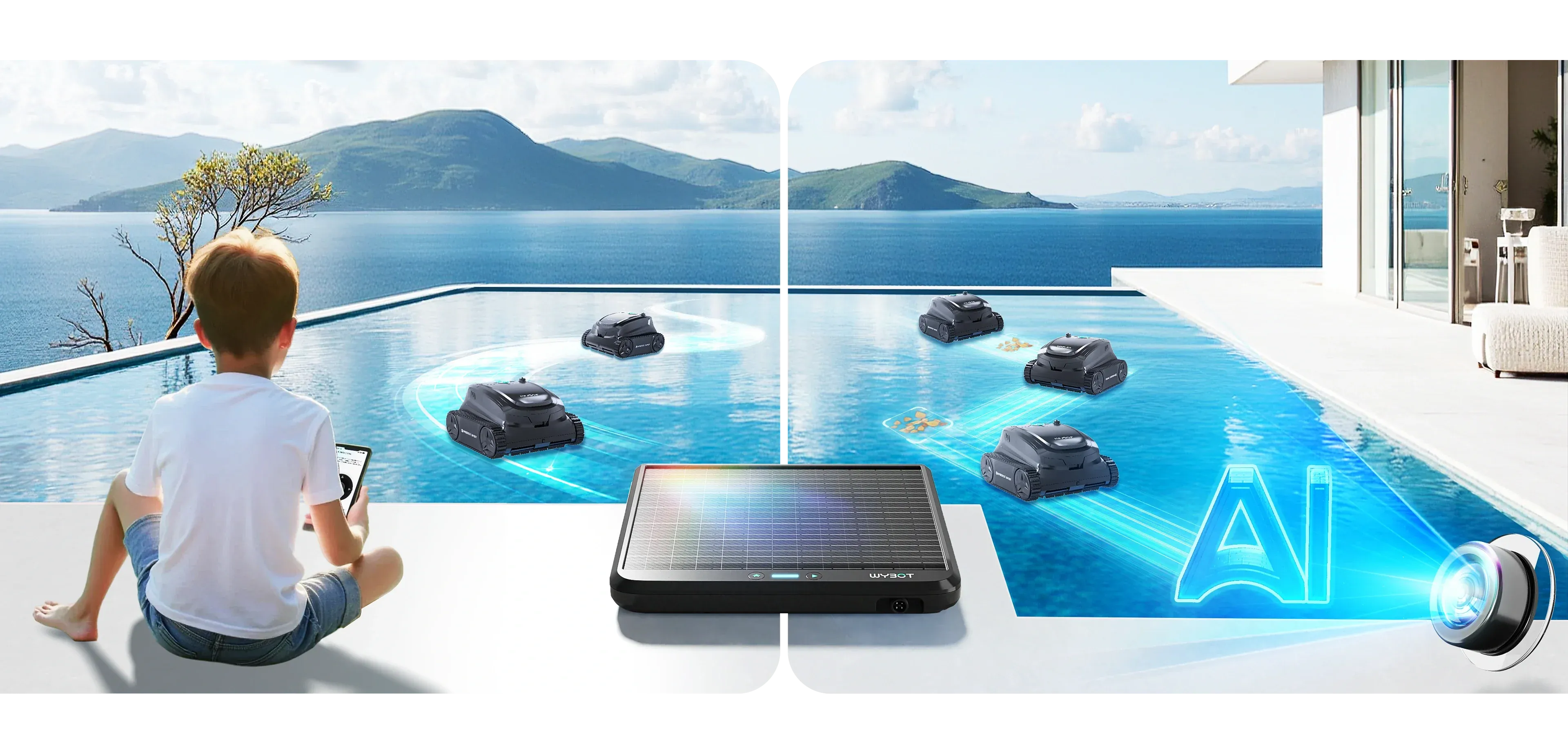
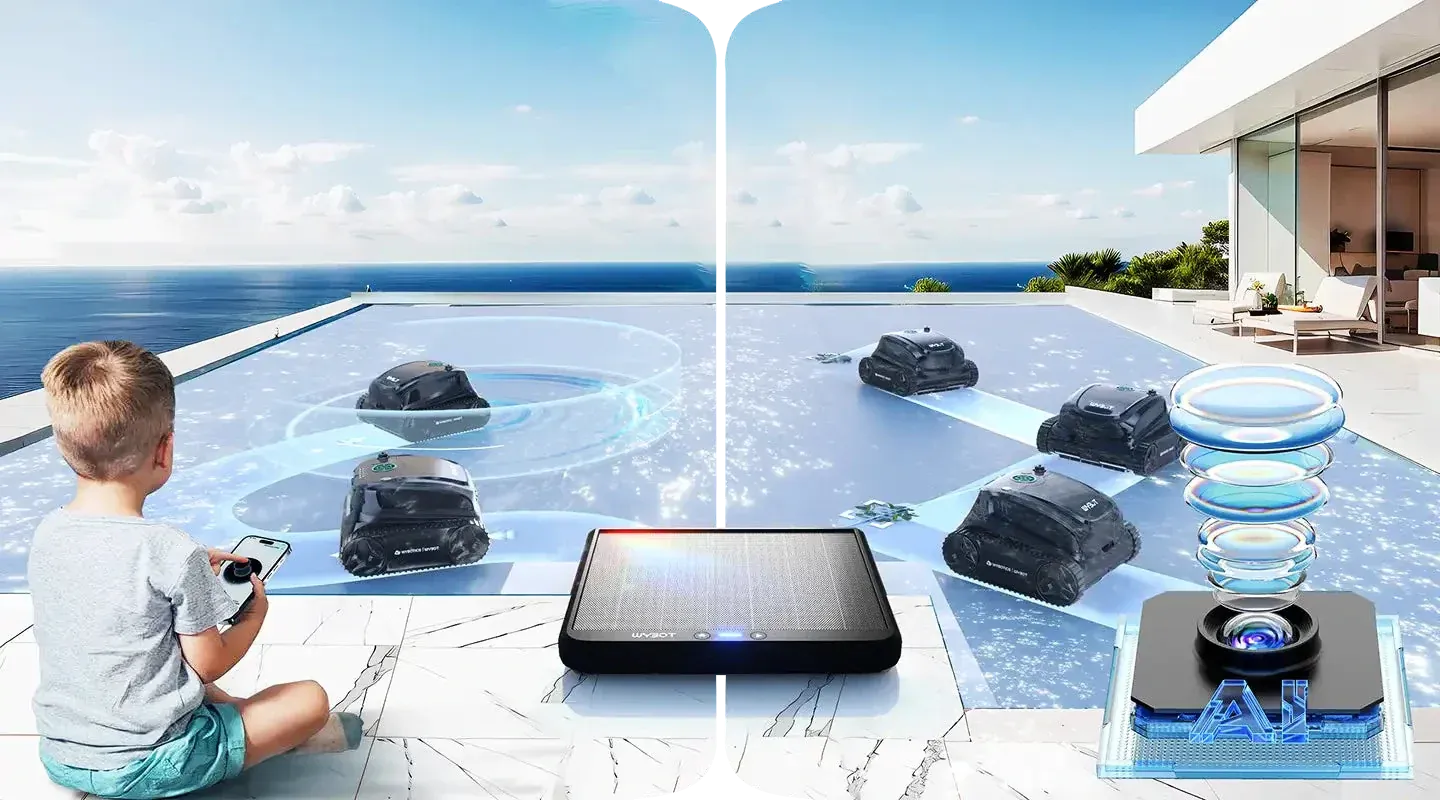
AI-Powered Smart Learning
The system continuously learns to recognize debris patterns and pool environments during each cleaning cycle. Regular OTA updates further enhance its efficiency.


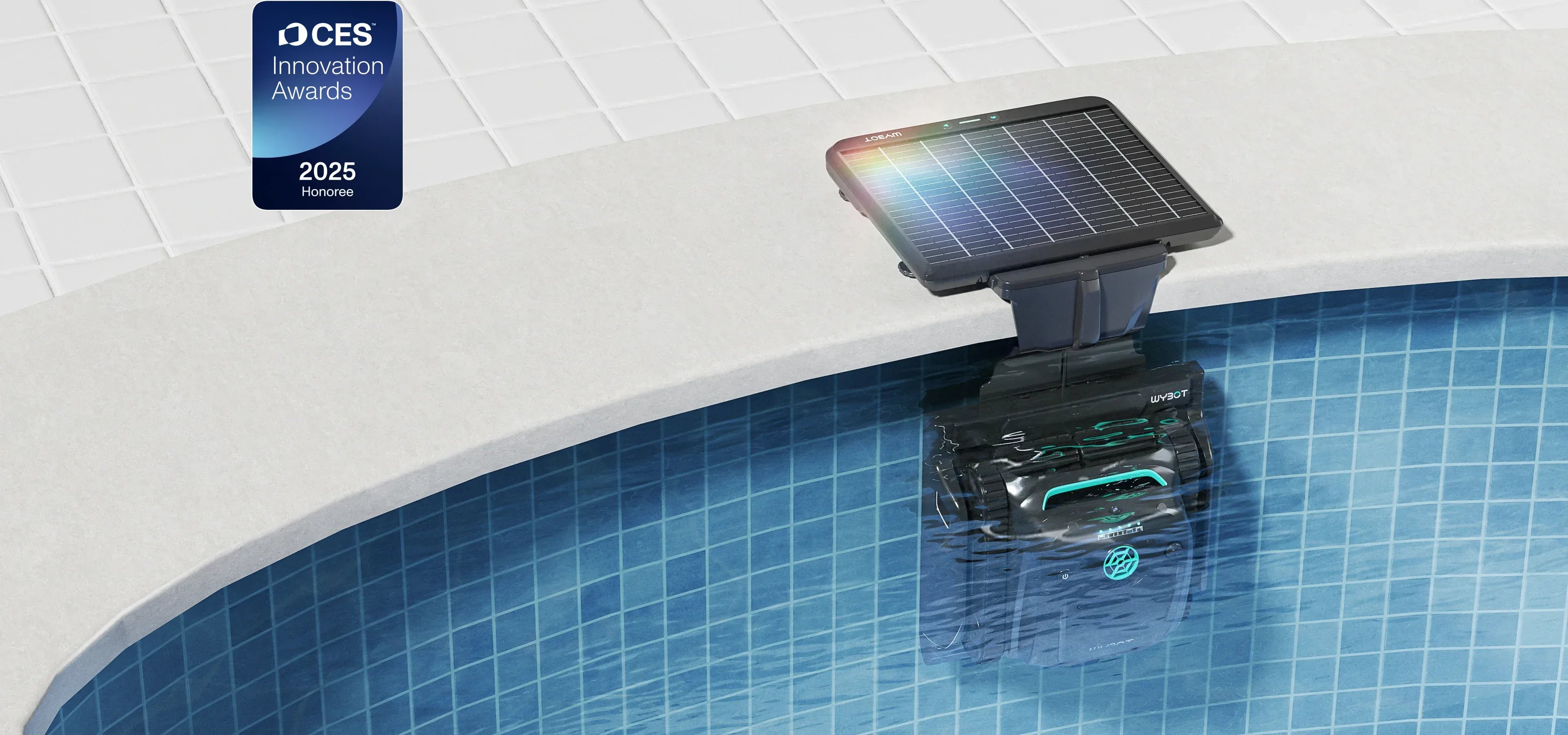
Solar Powered Magnetic Charging
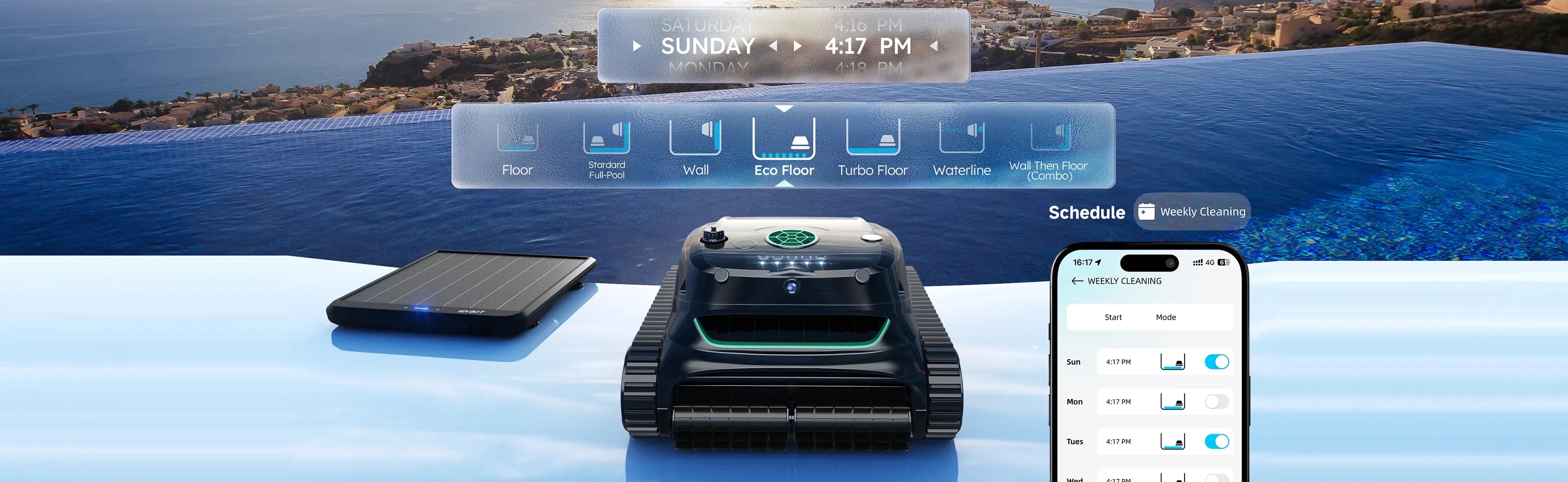
When the battery level drops below 20%, the S2 SOLAR VISION will automatically return to its dock for self-charging, eliminating the need for manual intervention.


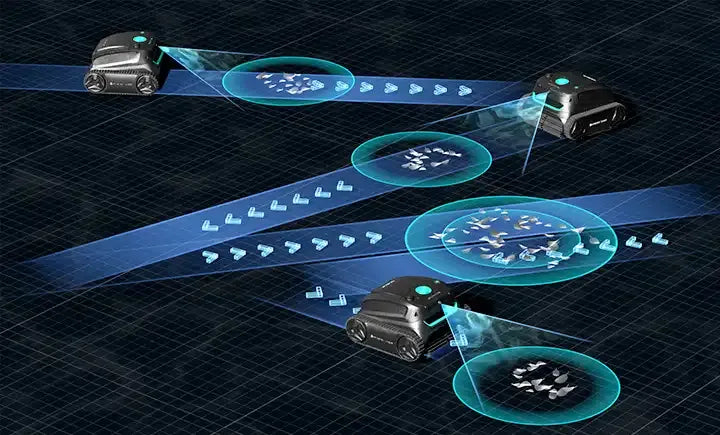
3D Adsorption System
Combining 180μm filter box and 40 ppi ultra-fine sponge, it's designed tackle debris of all sizes for thorough cleaning.


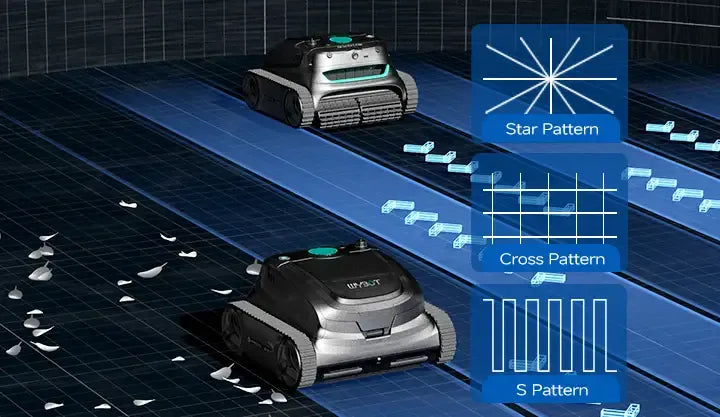
Full Coverage
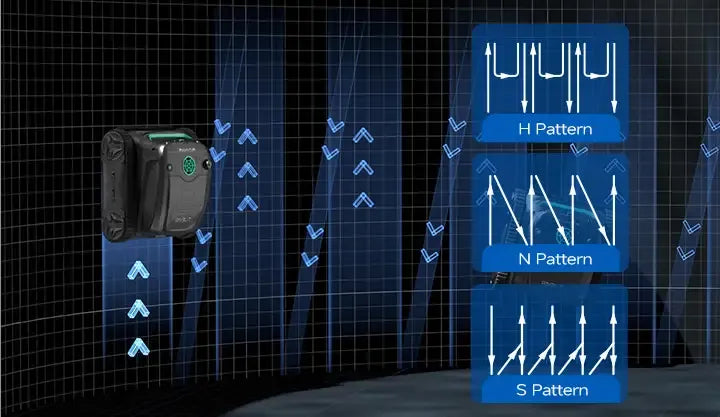
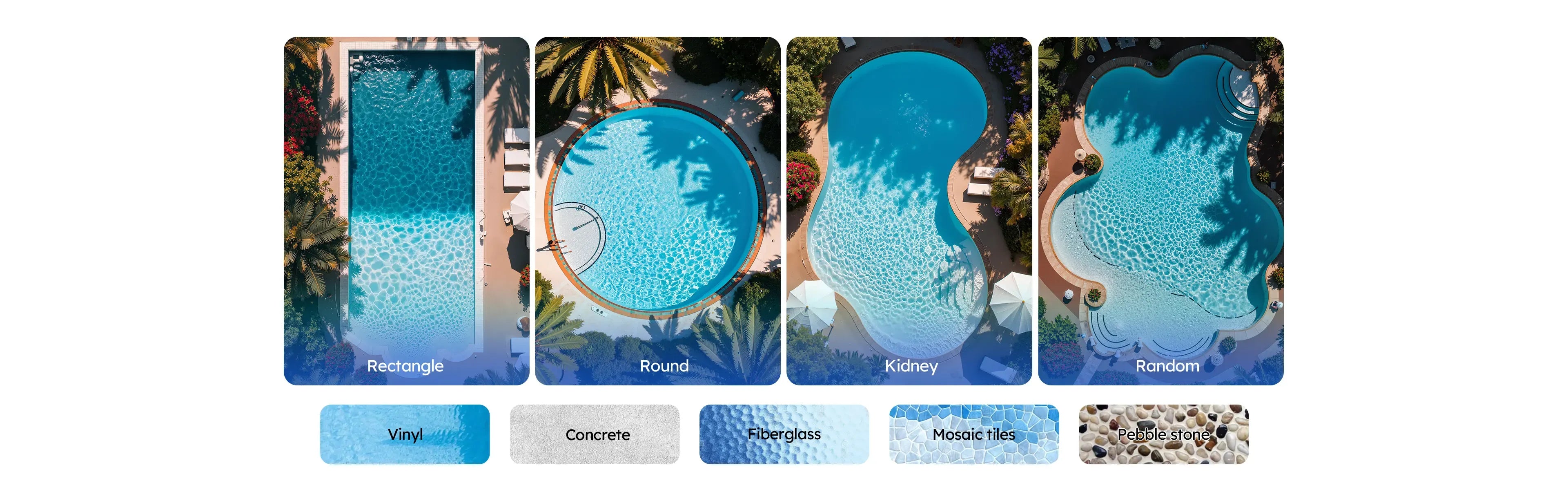
Experience total coverage – the S2 Solar Vision expertly cleans floors, walls, waterlines, slopes, and steps for complete 360° pool cleaning.
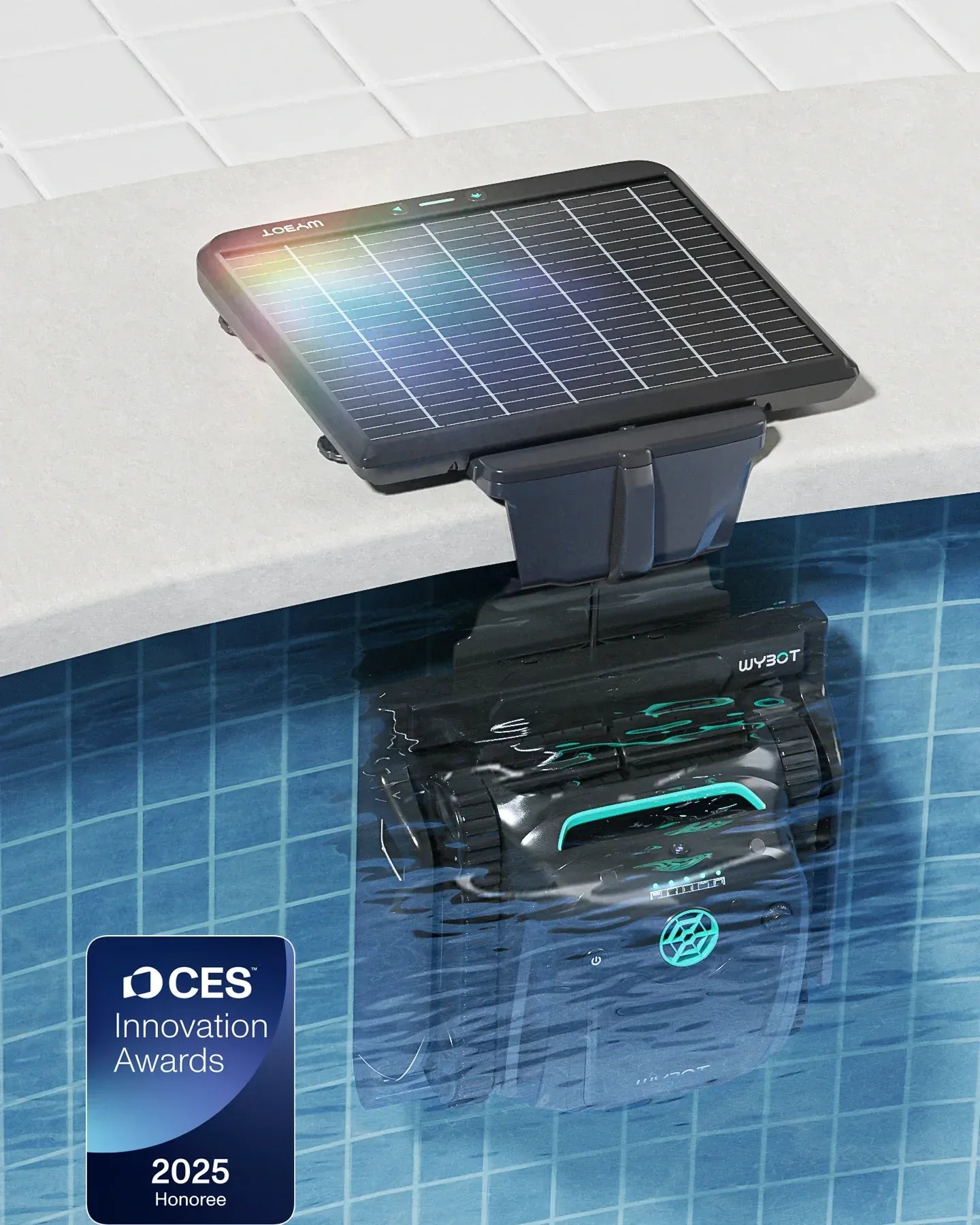
WYBOT S2 SOLAR VISION
Transform Your Pool Experience

x1

x1

x1

x1

x1

x1
A: For detailed instructions, please watch our operation guide videos: S2SV Operation Guide (Click here)
A: Rest assured that we test every unit underwater before packaging to ensure it works properly before delivery. Therefore, it is normal for the machine to be slightly damp or have water stains.
A: We strongly recommend updating both the robot and dock to the latest firmware. We continuously optimize the user experience, and updating to the latest version will ensure optimal performance.
Best solution:
1. Check the current version in "About Device" in the APP
2. Enable automatic updates in the APP
3.Remove the robot from water and charge it using the AC adapter. Ensure the charging location has WiFi coverage (must match the WiFi information configured on the dock). During charging, the robot will automatically check and update firmware, taking approximately 30 minutes for the entire process.
Latest version numbers:
DS20 (Dock): 2.2.17
S2S (Robot): 1.7.6
A: For heavily soiled pools (such as the first cleaning in spring), relying on the solar-powered dock to charge the robot may not provide enough energy for frequent cleaning. In these cases, use the AC adapter to charge the robot.
For routine maintenance, adjust the scheduled cleaning intervals based on how much sunlight reaches your dock. If your dock's location receives limited sunlight, schedule cleanings every 2 days or less frequently.
A: Please refer to the page below.
Dock Installation


